intellid 453973 customer contactless payment blogbanner
Technology has trained us to expect an immediate response from remarkably small actions. A phone held near a payment terminal can complete a purchase within seconds, while pointing a camera at a QR code can open digital information almost as quickly. Swiping a card through a reader feels equally straightforward, even though a different process occurs behind the scenes.
Looking at what actually happens when you tap, scan, or swipe reveals how much those familiar gestures hide. Each interaction gives a machine information in its own way. From there, the surrounding technology must interpret what it receives before producing the response you expect.
A Tap Starts a Short-Range Conversation
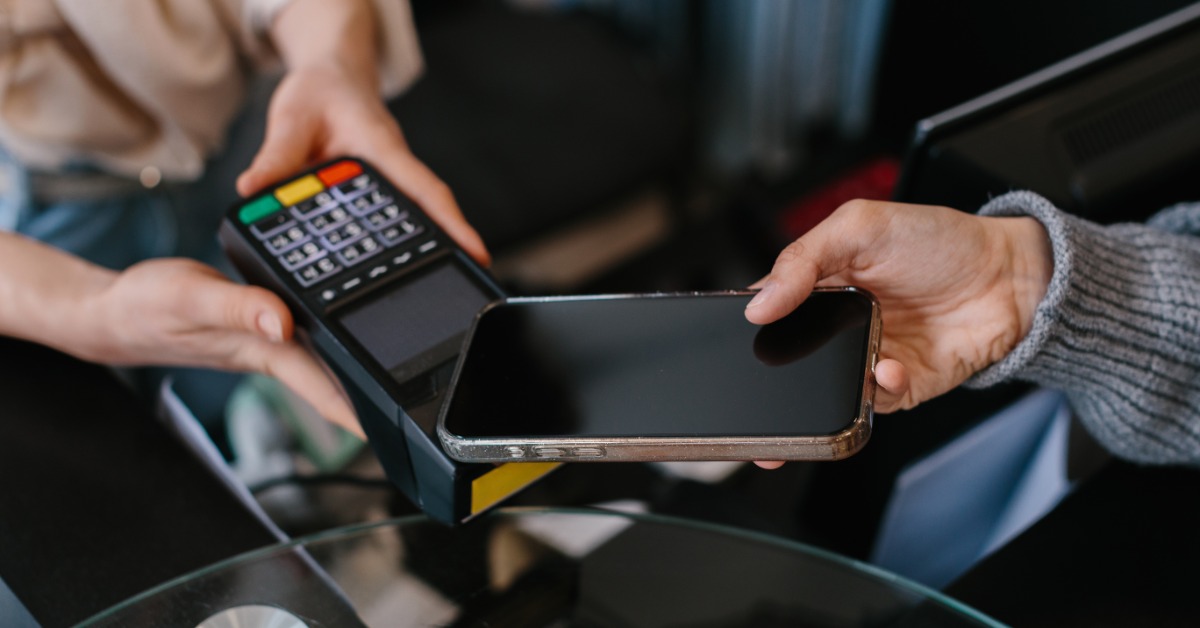
Holding a phone or compatible card near a payment terminal allows the devices to communicate without touching. Near-field communication, commonly called NFC, operates across a very short distance. Moving the devices close enough creates the opportunity for them to exchange information.
During a contactless payment, the phone or card provides information that allows the payment system to continue processing the transaction. Much of that communication happens out of sight, leaving the person at the checkout with little more to do than position the device correctly and wait for confirmation.
Similar interactions appear beyond payment terminals, although the technology can serve very different purposes. A phone might communicate with an NFC tag embedded in a sign, while a transit credential could identify someone entering a transportation system. The tapping motion tells you what the person does, but it does not reveal what information the devices exchange.
Scanning Depends on Something the Device Can See
Scanning changes the interaction because a camera or dedicated optical reader gathers information from a visible pattern. Traditional barcodes encode information through lines with varying spacing. QR codes use a two-dimensional design that allows compatible software to interpret the information represented within it.
Physical conditions can interfere because the scanner needs a usable view of the code. A damaged pattern may prevent an accurate reading, while glare can make the image difficult for a camera to capture. From the user’s perspective, the result may simply look like a failed scan even though the problem began before the software had usable information to process.
Swiping Requires Physical Contact
Anyone who routinely swipes their payment cards has experienced another method of transferring stored information to a machine. A magnetic stripe contains encoded data that a compatible reader detects as the stripe moves across its reading mechanism. Unlike a contactless tap, this process depends on putting the card in the correct physical position.
The movement itself affects whether the reader collects the information successfully. Pulling the card through incorrectly can interfere with the reading process, and damage to the stripe can create similar problems. Swiping therefore provides a useful contrast with contactless technology because physical movement directly affects how the machine receives the stored information.
Your Office Badge Adds Another Layer
Entering an office or apartment building can involve an interaction that looks surprisingly similar to making a contactless payment. You hold a card or key fob near a reader and wait for the system to respond. Despite the visual similarity, the technology behind that interaction may work quite differently from the payment terminal at a store.
An access system needs information that identifies the credential before it can determine what should happen next. Proximity credentials can transmit identifying data to a compatible reader, and systems need a defined way to organize that information. One example is the 26-bit H10301 format, which can use a facility code alongside an individual card number to provide identifying information that the access system can interpret.
Physical appearance tells you very little about whether two credentials will behave the same way. Cards that look nearly identical can carry information differently, which means the equipment behind the reader matters as much as the credential in someone’s hand. The quick response at the door hides communication between multiple parts of the access system before the lock receives its instruction.
Reading Information Comes Before Acting on It
Successfully collecting information does not necessarily tell a device what action to take. When a supermarket scanner reads a barcode, software still needs to associate that code with the correct product record. An access reader faces a comparable distinction because detecting a credential does not automatically give that person permission to enter.
Modern systems perform these steps quickly enough that users experience them as a single event. Hardware collects the initial information before software can interpret it and determine the appropriate response. The brief delay between presenting something to a reader and seeing the result can therefore conceal more processing than the interaction suggests.
Compatibility Determines Whether the Exchange Works
Familiar technology frustrations demonstrate why a physical connection cannot guarantee successful communication. A cable may fit a particular port but lack support for a feature someone expects to use. Wireless accessories can create a similar problem when two devices do not support compatible communication standards.
Contactless interactions have their own compatibility requirements. Two people might describe their actions as tapping a device, yet a payment card and a building credential do not necessarily communicate in the same way. Similar gestures can hide substantial differences in the technology responsible for carrying information.
Recognizing that distinction makes the failures of some of these interactions easier to understand. A device can sit in the right place and still lack a compatible way to communicate with the system receiving its information.
The Gesture Is Only the Beginning
The best everyday technology can make a surprisingly complicated exchange feel almost uneventful. You present the right card or device, receive a response, and continue with your day without needing to know what happened between those two moments. That simplicity comes from systems designed to handle the technical work without demanding much attention from the person using them.
Knowing what happens when you tap, scan, or swipe makes those ordinary interactions a little more interesting. The next time a payment goes through, or a scanner recognizes a code, consider how much has happened during that brief exchange. What feels like one effortless gesture depends on technology successfully turning a small action into information another system can use.